Hubdoc bookkeeper for receipt processing, done every working day.
Hubdoc reads your bills and receipts. Someone still has to check what it read, publish it to the right place and match it to the bank. We do that every UK working day, in the Hubdoc and accounting software you already use.
Hubdoc is Xero’s data capture tool. You can snap a receipt on your phone, forward an invoice from your inbox or upload a file from your desktop. Hubdoc then extracts details such as the supplier name, amount, invoice number and due date. It can create transactions in Xero or QuickBooks Online with the source document attached. The tool is quick. What it cannot do is decide whether every figure is right, which account it belongs to, or whether the receipt you needed ever arrived. That is the part we take on.
CHECKING WHAT HUBDOC READ
Every document checked before it is published.
Each working day we open the documents waiting in Hubdoc. For each one we check the supplier, date, invoice number, net amount, VAT and total against the image itself. Extraction is good, but a faded till receipt or a two-page invoice can still be misread.
We then set the account code, the tax rate and, in Xero, any tracking categories you use. Only then is the document published to your accounting software. Duplicates are spotted and removed before they reach your books, not after.
Supplier, date, net, VAT and total checked against the image
Account code and tax rate set before publishing
Duplicate documents caught and removed
MATCHING TO THE BANK
Published items. Matched to the payment.
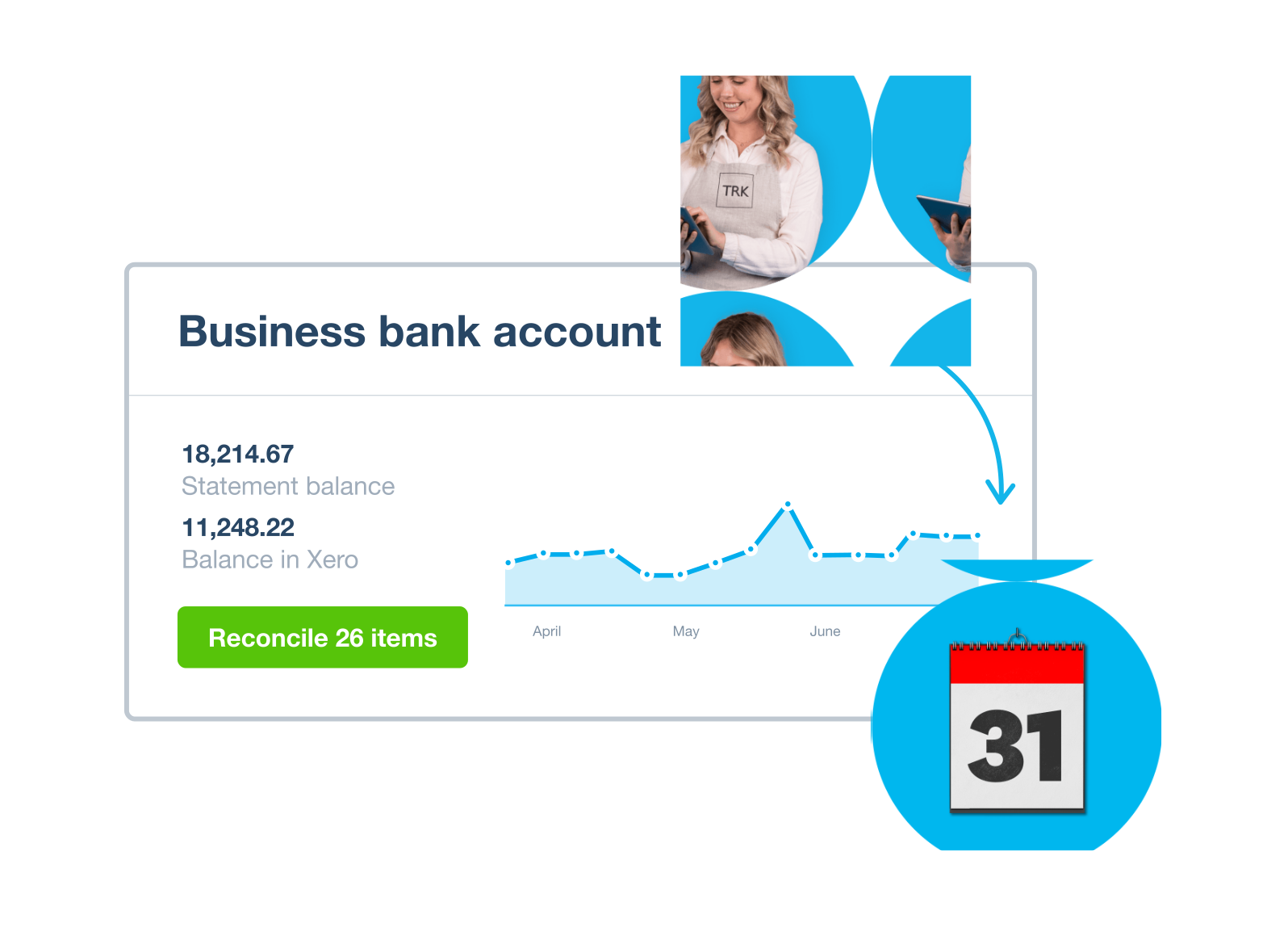
A bill or receipt only finishes its job when it is matched to the bank line that paid it. Once Hubdoc has created the transaction, we reconcile it against the bank feed in your accounting software. We check the amount, date and contact before we confirm the match.
Where a bank line has no document behind it, we look in Hubdoc and the finance inbox first. If it is still missing, it goes on a short list of open items, and we follow it up with you or the supplier in the way you choose.
Bank and card accounts reconciled each working day
Documents linked to the payment they belong to
Missing receipts listed and followed up
xXeroBank reconciliation
GETTING PAPERWORK INTO HUBDOC
One route in for every receipt.
Most receipt problems start before the software sees anything. A receipt sits in a van, a PDF sits in someone’s inbox, and a card payment is left with no paperwork for weeks.
At the start we agree how documents should reach Hubdoc. For many businesses that means three simple habits: take a photo of paper receipts on your phone, forward emailed invoices, and upload anything else from a computer. We keep the routes short so your team actually uses them.
With your permission, we also monitor the finance inbox you agree with us. Supplier invoices and receipts that land there are sent into Hubdoc and picked up as part of the daily routine. If a supplier keeps sending invoices to the wrong person, we tell you so it can be fixed at the source.
CODING AND VAT
Consistent coding from the first receipt.
The value of a capture tool depends on how documents are coded. If the same supplier is coded to three different accounts across a year, your reports stop making sense. We agree a coding plan with you for your regular suppliers and apply it the same way every time.
We record VAT as it is shown on the document. A till receipt without a VAT breakdown is not treated as a full VAT invoice, and we flag anything that needs a decision, such as a mixed-use purchase or a supplier who is not VAT registered. When the quarter ends, your purchase records are complete and ready for whoever prepares the VAT return. Preparing and submitting the VAT return is outside the monthly packages and quoted separately.
MONTH-END CHECKS
A clear picture at the end of each month.
At month-end we check that nothing is left waiting in Hubdoc, that every bank and card account is reconciled, and that unpaid bills in your accounting software are real bills, not duplicates or items already paid.
You then get a short monthly financial summary in plain English. It covers how the month went, what is still missing and any questions we need you to answer. Your accountant gets books that are up to date, with the source document sitting behind each transaction.
ACCESS AND OWNERSHIP
You keep your Hubdoc and your software.
Your Hubdoc and accounting software subscriptions stay in your name and are paid by you, separately from our fee. We work as an invited user where the software supports it, and you can change or remove our access at any time.
Hubdoc creates transactions in Xero and QuickBooks Online. If you use one of those, we work in both tools side by side. If you are thinking of moving to a different capture tool, we can talk it through, but we will not push you to change software that already works for you.
HUBDOC BOOKKEEPING PRICES
One fixed monthly fee. No hourly billing.
Use your annual turnover to find your starting point. We review your records, your document volumes and how paperwork reaches you, then confirm one fixed monthly fee in your quote. One business entity per package. Above £5 million turnover, we give a tailored quote.
FOR SMALL BUSINESSES
Essentials
ANNUAL TURNOVERUp to £150,000
Daily bookkeeping for sole traders, consultants and small businesses who want their time back.
Prices are per month, with the final fee confirmed in your quote. Your Hubdoc and accounting software subscriptions are separate. Catch-up work, tax returns, payroll, CIS returns, VAT return submission and statutory filings are quoted separately. Full pricing details →
A BACKLOG IN HUBDOC?
Clear the backlog first, then the daily routine.
If Hubdoc has months of documents waiting, or your books hold duplicates published twice, we review it first and agree a catch-up plan with a separate quote. Once the backlog is clear, the daily routine keeps it that way.
Do I need to change my Hubdoc or accounting software?
No. Your Hubdoc and accounting software stay yours. We work as an invited user where the software supports it, and you can change or remove our access at any time.
Will you publish documents without checking them?
No. We check each document against its image before it is published, and set the account code and tax rate. Anything we are not sure about goes on your list of questions instead.
What happens to receipts that never arrive?
Bank lines with no document behind them are listed as open items. We follow them up with you or the supplier in the way you choose, and keep them on the list until they are resolved.
Will you file my VAT return?
The monthly packages keep your purchase records and VAT coding ready for the return. Preparing and submitting the VAT return is outside the packages and quoted separately.
How much does a Hubdoc bookkeeper cost?
Essentials is £295 per month for turnover up to £150,000, Plus is £495 for £150,000–£500,000, and Managed is £795 for £500,000–£5 million. We review your records and workload, then confirm a fixed monthly fee in your quote.
Tell us how receipts reach Hubdoc today, which accounting software you publish to and where things get stuck. In a 30-minute call we will talk through the daily routine and the monthly fee that fits. You can also call 020 7123 9335, email [email protected] or message us on WhatsApp.